Our SuiteCRM Customer Support Portal gives customers a secure, self-service way to interact with your business online. Customers can submit and track support cases, find answers in your knowledge base, complete supported transactions, and access relevant CRM information without contacting your support team for every request.

This web and mobile compatible SuiteCRM support portal is highly customizable and also works with SugarCRM. Customer interactions stay connected to your CRM, so portal activity is updated in SuiteCRM or SugarCRM automatically and your team can manage requests from one place.

Available for SuiteCRM and SugarCRM version greater than 6.5 for Community, Professional, Corporate, Enterprise and Ultimate Editions. If you need support for additional modules (including custom modules), contact us and we will be happy to help.

SuiteCRM Customer Support Portal Features

Customer Self-Service

  • Customers receive answers, complete supported transactions, and use self-service options from a personalized portal experience.
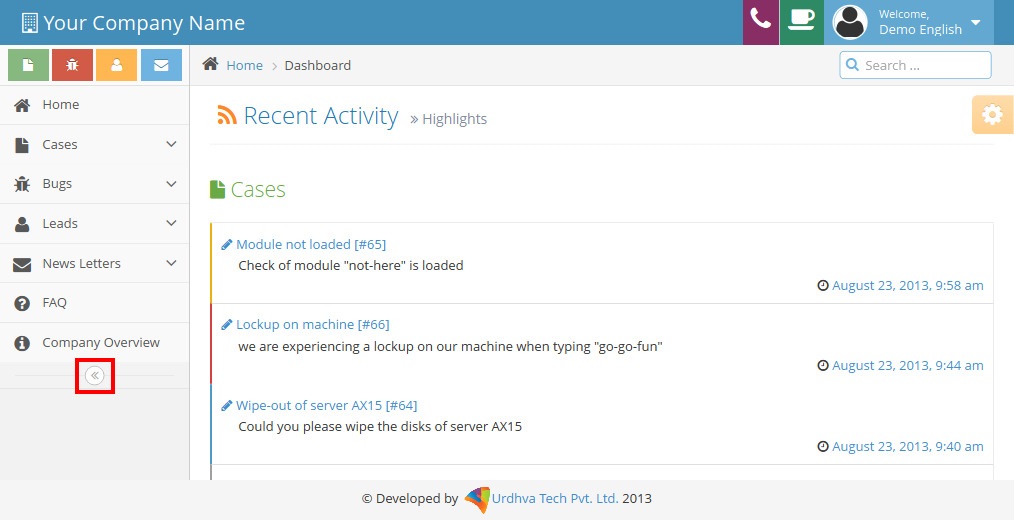
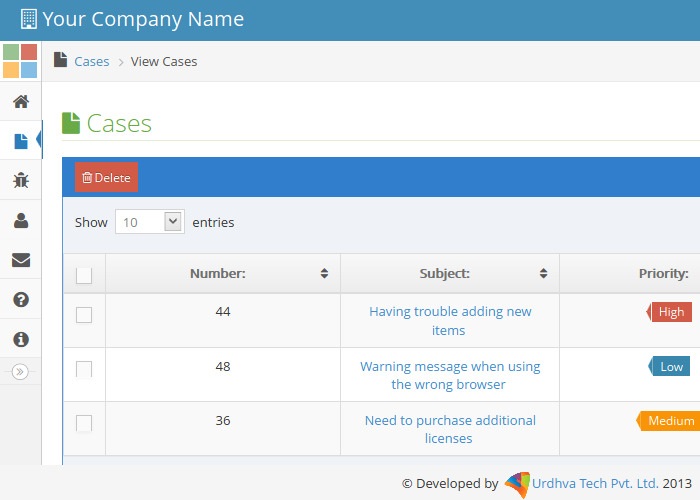
  • Customers can update their own profiles, view case or bug histories, check status, and log new cases around the clock.
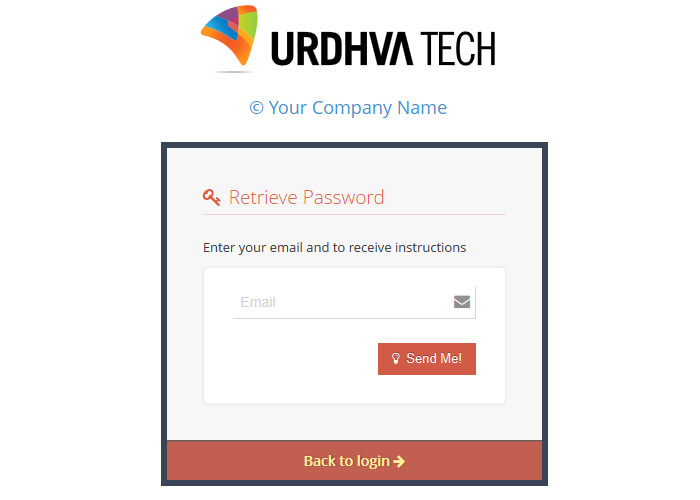
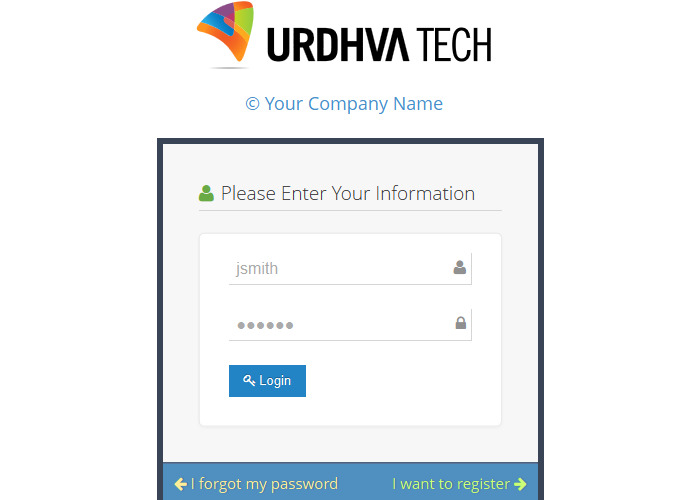
  • Sign up and forgot password facilities help customers manage portal access.

Support Case Submission

  • Customers can enter trouble tickets by logging onto your portal and access personalized content and relevant support documentation.
  • Automatic receipt confirmation is provided for a service request with a case number.
  • Customers can log and manage support cases and bugs online.
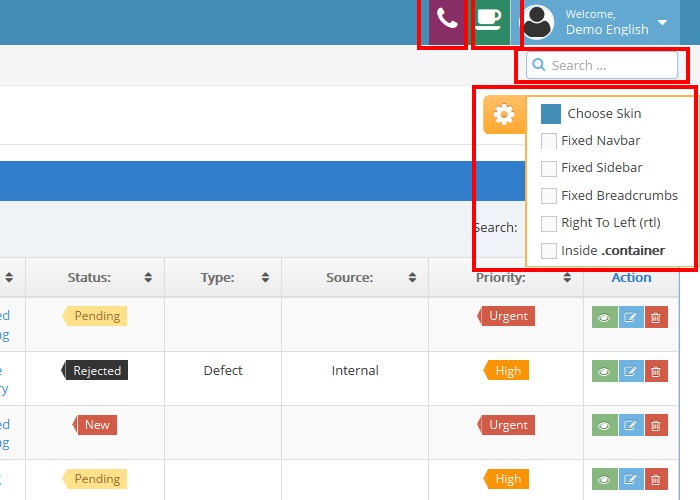
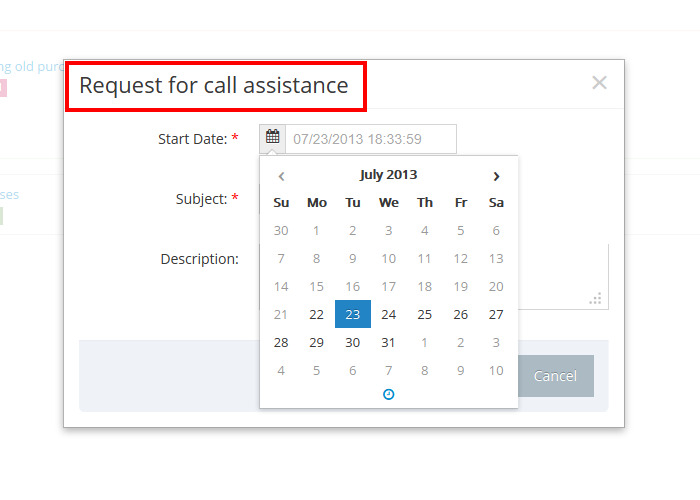
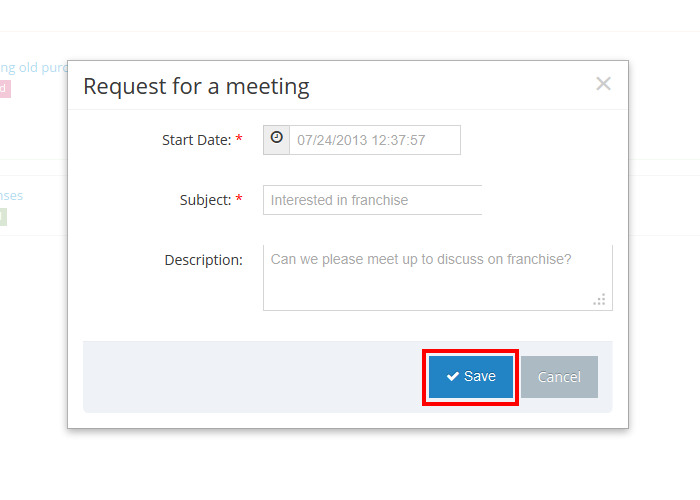
  • Customers can request call assistance for your product or service and schedule a meeting request with your sales representative.

Knowledge Base Access

  • Password-protected access to key customer support tools, such as Knowledge Base.
  • Customers can query your knowledge base to find answers before opening a support case.

Customer Account Access

  • Portal users are created as Contacts in SuiteCRM or SugarCRM — no additional licenses required.
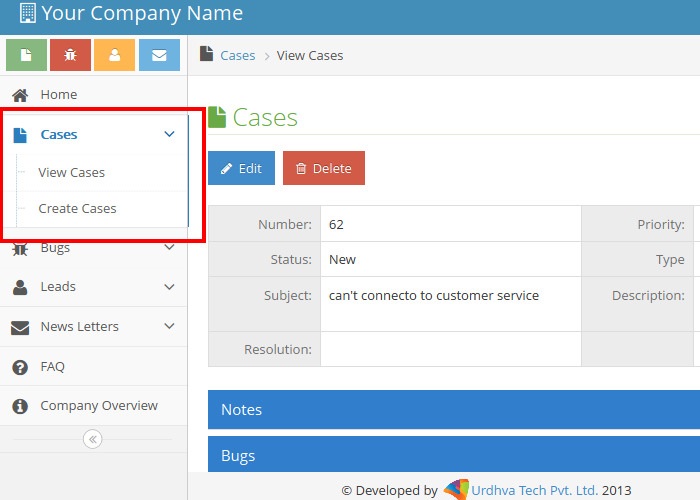
  • Supported modules include Cases, Bugs, Leads and Notes.
  • Bi-directional updates: changes in CRM Cases, Bugs, Leads and related records are reflected in the portal and vice versa.
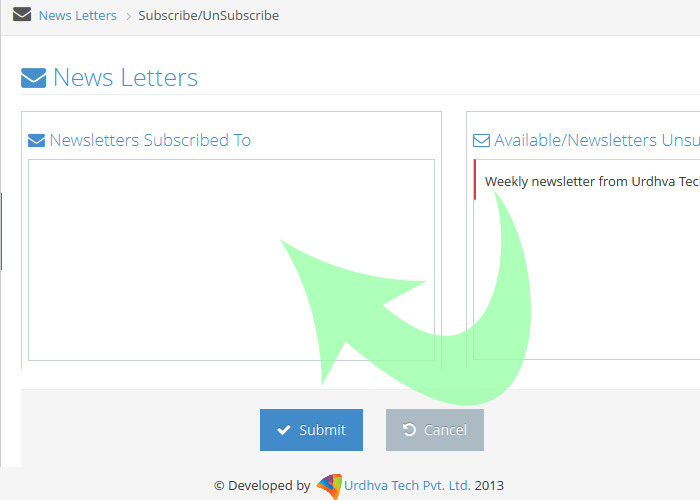
  • Subscription management lets customers select and manage newsletter subscriptions.
  • Customers can provide important leads and opportunities to your business.

Web & Mobile Access

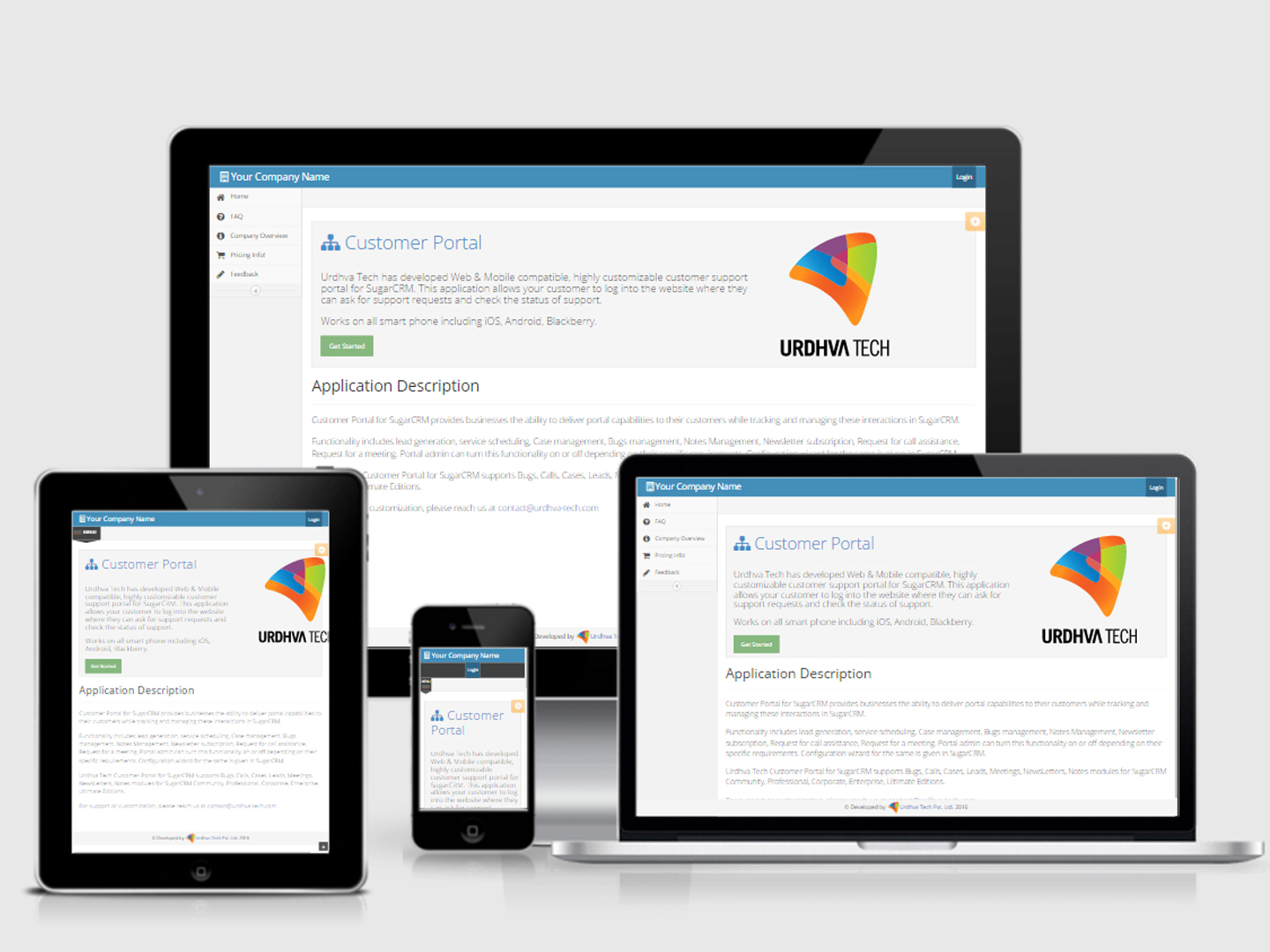
  • Responsive layout for smartphones including iOS, Android and Blackberry.
  • Built with Bootstrap 3 for a mobile-first, responsive customer experience.
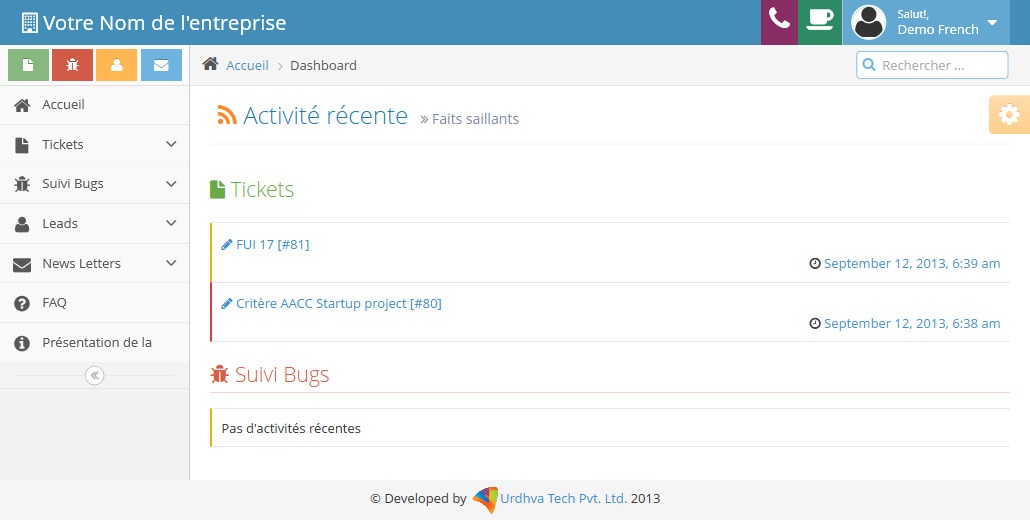
SuiteCRM Customer Support Portal on desktop and mobile

How the SuiteCRM Customer Support Portal Works

  1. Customers access the customer-facing portal.
  2. Customers can find information and search available knowledge base content.
  3. Customers submit support cases or other supported requests when assistance is required.
  4. Customer interactions and supported information are connected with SuiteCRM or SugarCRM.
  5. Your support team manages customer activities through the CRM while customers continue using the portal.
  6. The customer continues to track status, history and follow-up activity through the portal.

Secure SuiteCRM Customer Self-Service Portal

The Customer Portal is delivered as installable software that acts as a gateway between customer-facing websites and your SuiteCRM or SugarCRM implementation.

  • Information transmitted through the Customer Self-Service Portal is encrypted at the data level.
  • Access is authenticated against the SuiteCRM/SugarCRM database.
  • Password-protected portal access helps keep customer support tools and knowledge base content secure.

Why Companies Use an Online Customer Portal

  • Self-service support: Give customers a self-service option and help lower support costs.
  • Centralized information: Provide one place to centralize support information and tools.
  • Scalable customer service: Support scalable customer relationship management through the portal and CRM.
  • Knowledge management: Make it easier for customers to find answers before contacting support.

Customization and Business Use

This customer portal for SuiteCRM (and SugarCRM) is designed to be customized around your support and business workflows. Configure modules, layouts and permissions from the CRM so customers only see what they need.

  • Complete interface to configure the customer portal from SuiteCRM or SugarCRM.
  • Manage which modules customers can access from the CRM.
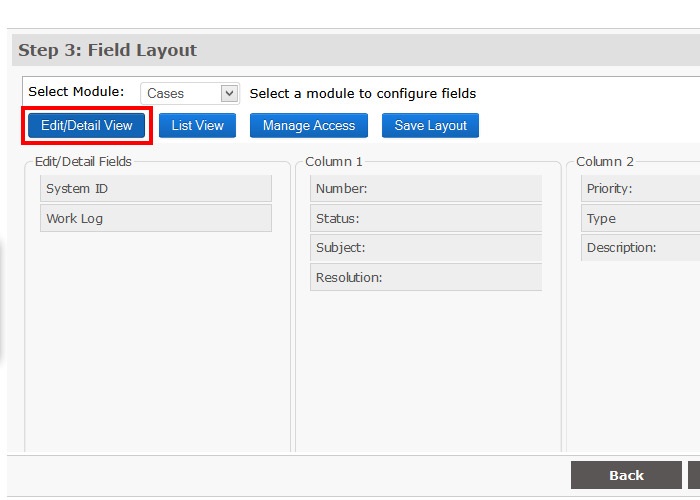
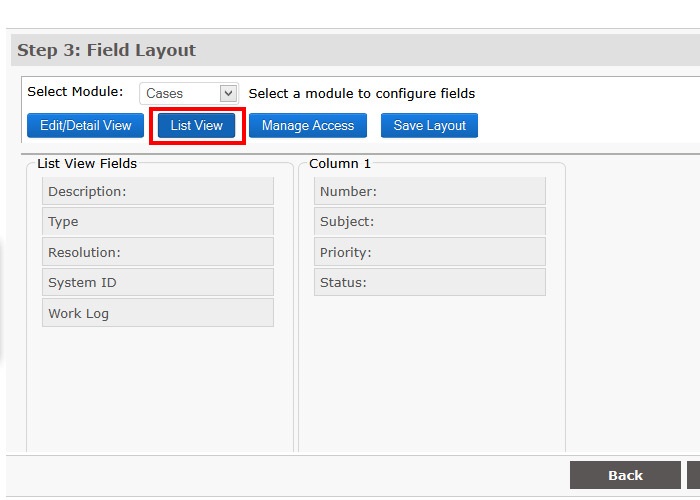
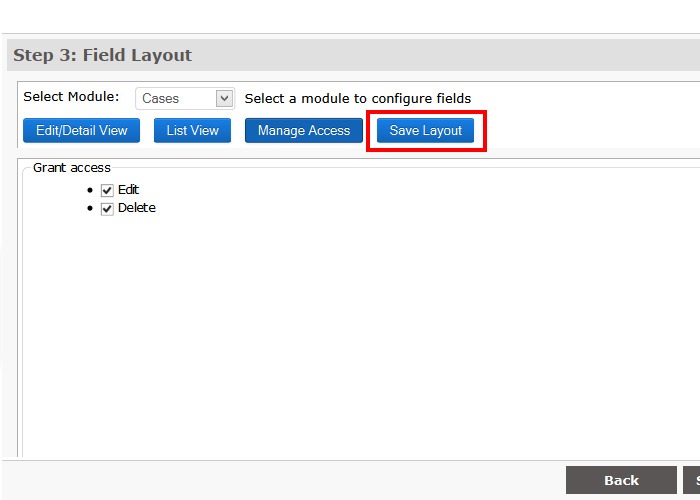
  • Manage portal layouts directly from SuiteCRM or SugarCRM.
  • Hide fields you do not want customers to see.
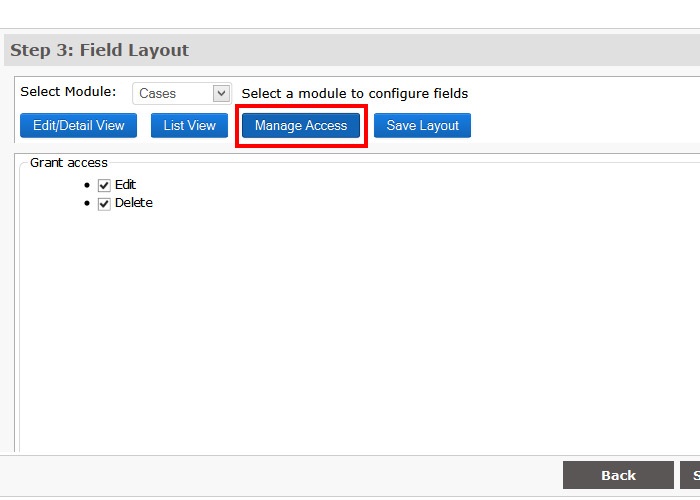
  • Restrict permission for editing and deleting records.
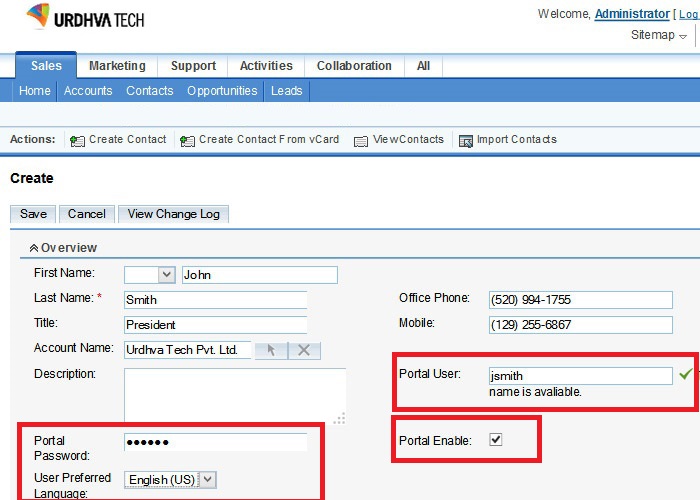
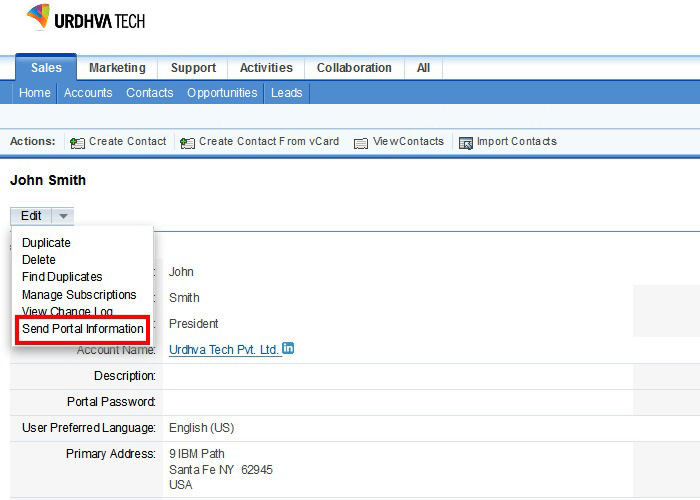
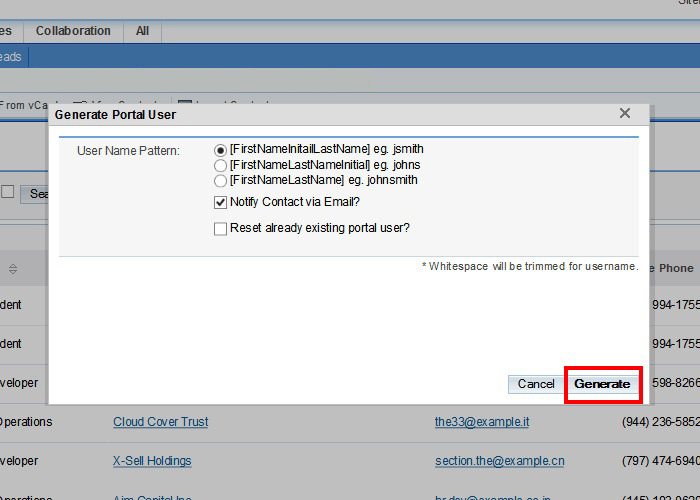
  • Mass generate and email portal credentials to customers.

Beyond standard customer support, the same portal approach can also be adapted for supplier, buyer, freelancer and client portal use cases — such as product entry, order history, project bidding, quotations, payments, and support issue tracking.

For setup and day-to-day use, see the Customer Portal User Guide and Customer Portal Admin Guide.

Try the Customer Portal Demo

URL — http://portaldemo.urdhva-tech.com
Username — demo
Password — demo

Portal Capabilities Overview

  • Responsive layout for smart phones including iOS, Android, Blackberry.
  • Portal users are created as Contacts in SuiteCRM/SugarCRM — no additional licenses required.
  • Bi-directional updates between the CRM and portal for Cases, Bugs, Leads and more.
  • Supported modules: Cases, Bugs, Leads, Notes.
  • Subscription management for newsletters.
  • Request for call assistance and meeting.
  • Sign up and forgot password facility.
  • Compatible with SuiteCRM and SugarCRM Community, Professional, Corporate, Enterprise and Ultimate Editions.

Download User Guide
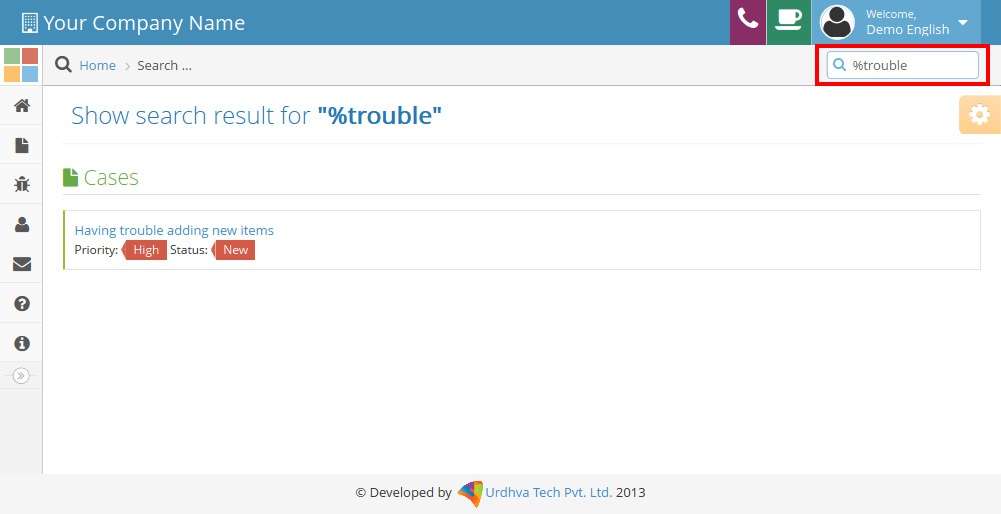
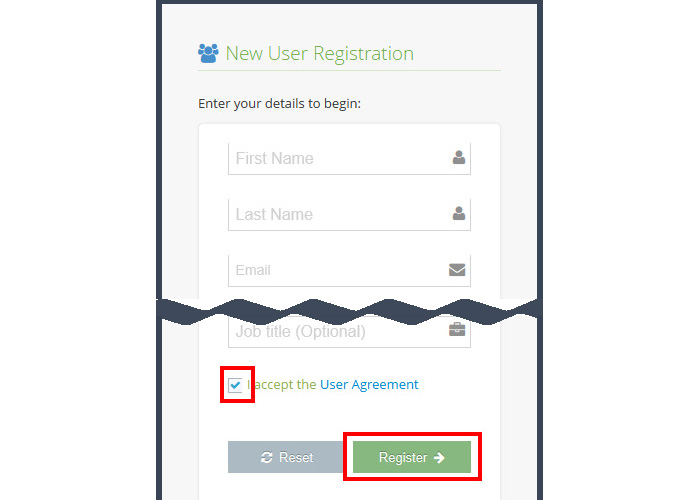
See the layouts of the responsive SuiteCRM customer support portal: registration, forgot password, login, home screen, cases and bugs views, theme changer, call and meeting requests, global search and newsletter subscription.

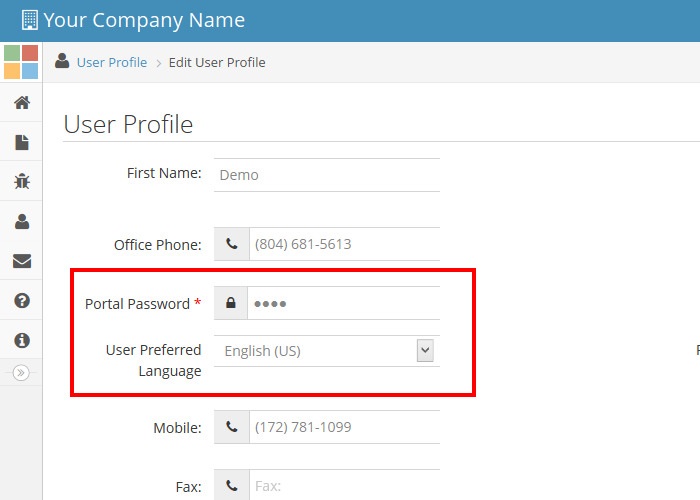
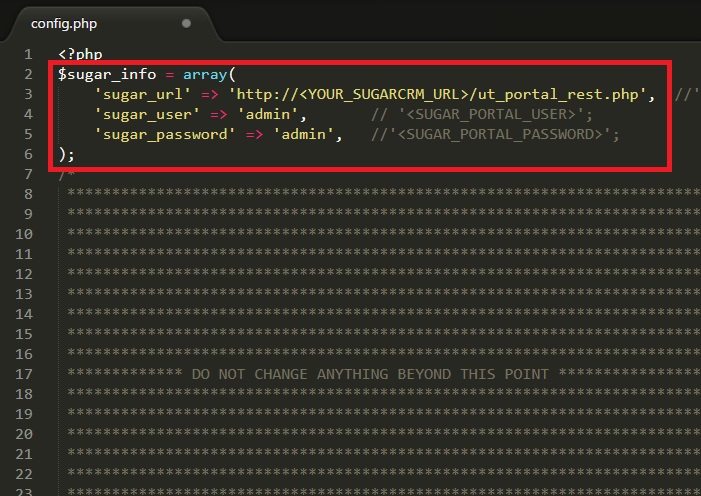
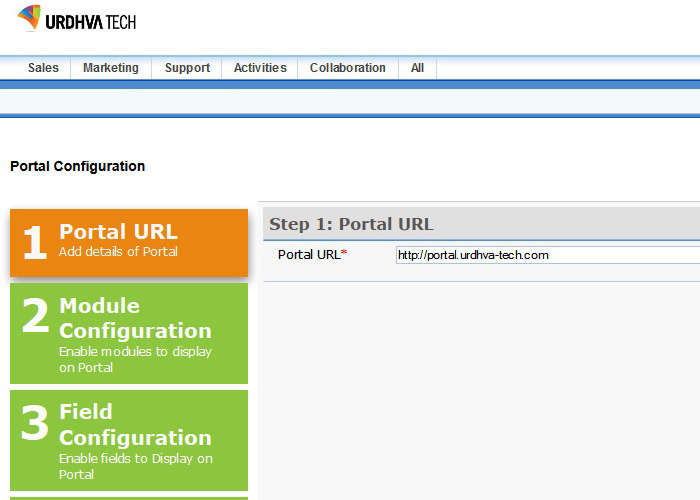
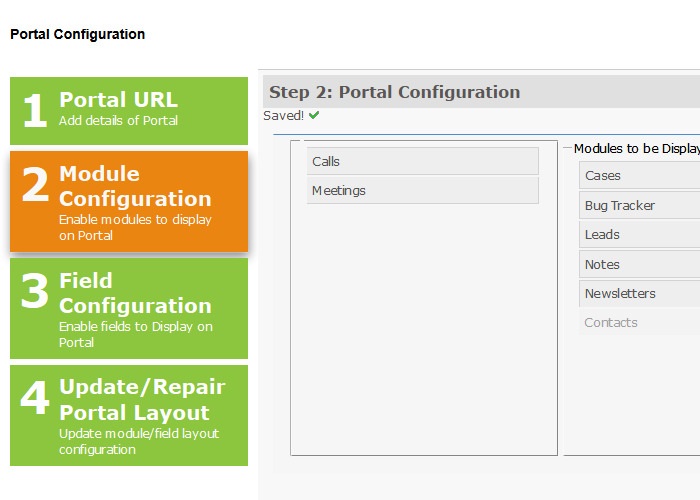
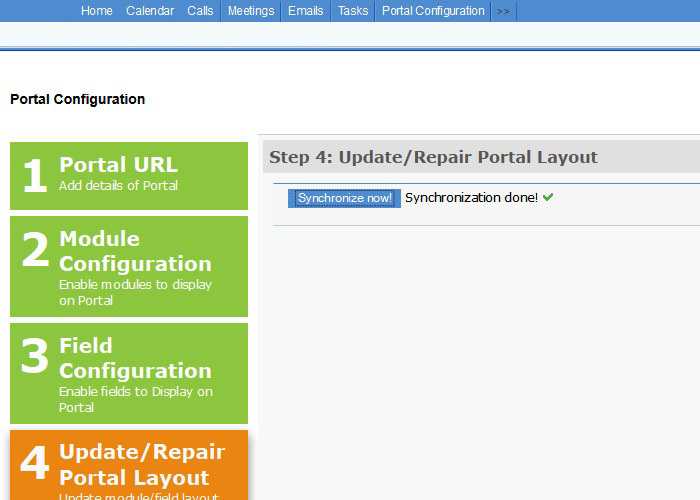
Configure the customer portal from the CRM interface: portal setup, module configuration, layout management, access control, and mass generation of customer credentials.

CRM Configuration for SuiteCRM & SugarCRM

  • Complete interface to configure the customer portal from SuiteCRM/SugarCRM.
  • Manage the list of modules you want to grant access to your customers.
  • Manage layouts of the portal directly from SuiteCRM or SugarCRM.
  • Hide the fields you do not want your customers to see.
  • Restrict permission for editing and deleting records.
  • Mass generate and email credentials to customers.

Download Admin Guide

Frequently Asked Questions

What is a SuiteCRM Customer Support Portal?

A SuiteCRM Customer Support Portal is a customer-facing self-service portal connected to SuiteCRM. It allows customers to access supported information, submit and track support cases, use the knowledge base, and interact with your business online.

Can customers submit support cases through the portal?

Yes. Customers can submit and track support cases through the portal, allowing support teams to manage those requests through the connected CRM.

Does the customer portal work with SugarCRM?

Yes. The portal supports both SuiteCRM and SugarCRM environments.

Is the SuiteCRM customer portal available on mobile devices?

Yes. The portal provides a web and mobile-compatible customer experience.

Can the customer support portal be customized?

Yes. The portal is highly customizable and can be adapted to your customer-facing support requirements.

Pricing Plans

Buy Once!

Request a Quote

Unlimited SugarCRM Users

1 Domain

Unlimited Support within 1 business day